

Get the dish and recipe from a cooking video
A recipe scrolled past too fast to save the steps. Share the cooking video to Tee and the dish comes back named, with the cuisine, a rough time and how hard it is, so it is waiting for you when you want to cook it.
Free for two videos a day. iPhone, iOS 18 and later.
How 
 works
works
Share a video. Tee pulls out everything worth keeping.
- 1One extra tap
Hit share, pick Tee
It is the same share sheet you already use in TikTok, Instagram and YouTube Shorts. You never paste a link or tag anything.
- 2Three passes over one video
Tee reads every detail
A name only has to appear somewhere. It rarely has to be spoken, so the films, songs, books and places come back named.
- 3You never type a thing
It lands on a shelf, sorted
Tee pings you the moment your video is done, and everything it found is already filed with a poster, a rating or an address.



What comes back
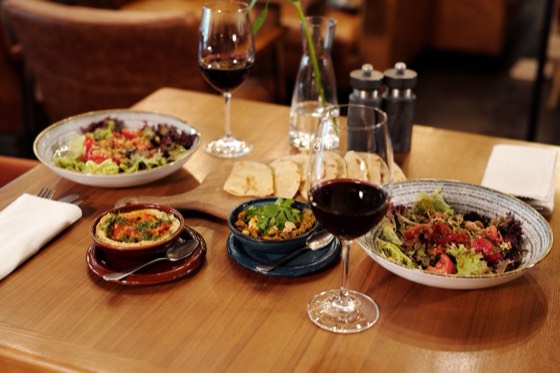
The dish lands on your Recipes shelf with the cuisine, an estimated time and a difficulty. Tee pulls the name from the audio, the on-screen text and the caption, so a dish shown but never spoken still gets filed instead of lost.
Questions
Does it save the full ingredient list and steps?
Tee names the dish and gathers what the video and its caption say about it. How complete that is depends on how much the creator wrote down, so treat it as a way to find the recipe again, not a replacement for one.
What if the caption is in another language?
Tee reads eleven languages and gives the summary back in the language the video used, rather than translating it into yours.
Can it handle a video with two or three dishes?
Yes. Each dish it catches gets its own card on the Recipes shelf.